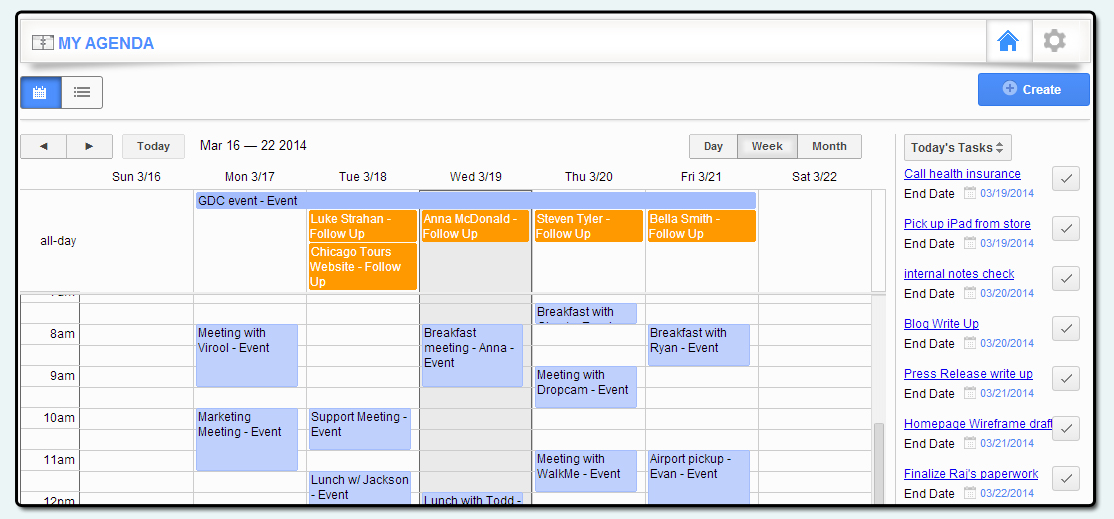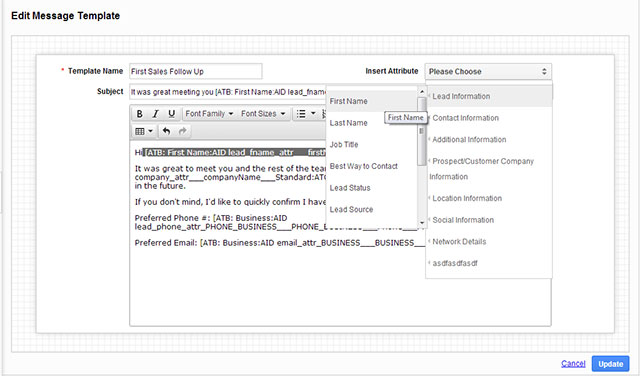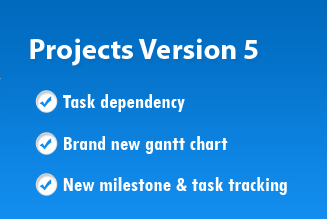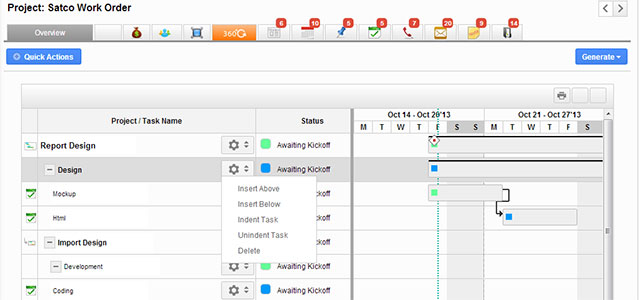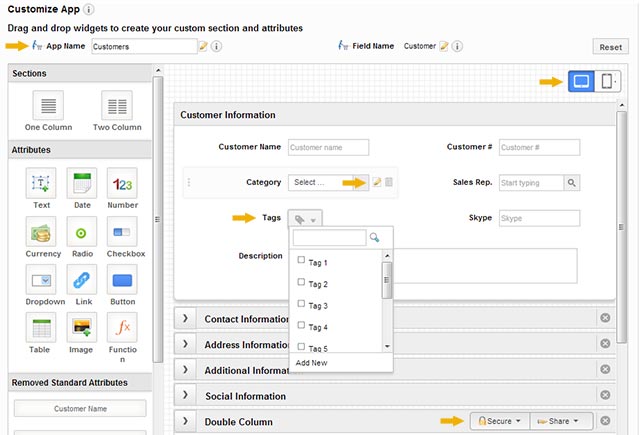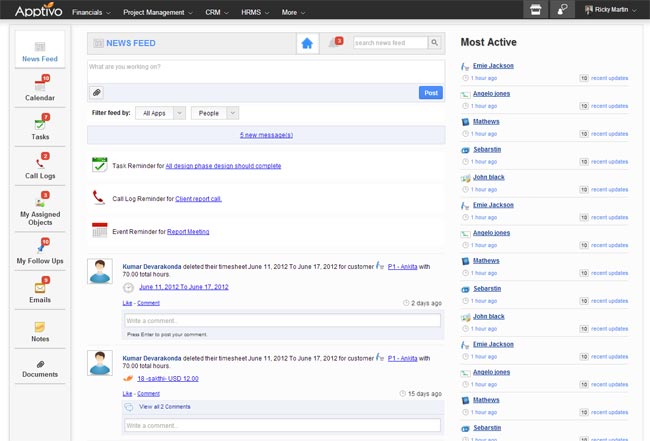
We have been working very hard at Apptivo and are happy to give you a sneak peak at what’s to come in Version 5, also known as V5. If you don’t know already, V5 is a massive group of changes coming to ALL apps to improve efficiency and accessibility. Since we’re slowly rolling V5 to …Read more
Tag Archives: user interface
Sneak Preview: Apptivo Upgrades to Version 5.0 – Are You Ready?
Tagged in apptivo improvements, apptivo updates, configuration, news, user interface, V5
Recent Updates to Apptivo & Some Big New Announcements! May 30th Update
Well, we apologize about the lack of updates recently. We’ve been a bit secretive the last few weeks, because we’ve been working on some BIG changes. Over the next week, we’ll be announcing further details and giving previews into new major new initiatives: Xinnect & V5. We can’t tell you too many details quite yet, …Read more
Tagged in apptivo improvements, apptivo updates, configuration, news, user interface, V5, Xinnect
Apptivo’s Plans for Supporting Translation to Multiple Languages / Localization
If you weren’t aware, Apptivo is a global company. We have users in nearly every single country around the world, from the United States, to Australia, to everything in between, such as Slovakia! Although the majority of our users come from the USA, we have designed the software to cater to every region of the …Read more
Tagged in apptivo improvements, global business, language support, localization, regional support, user interface
Visual Charts and Sales Reports for CRM & Marketing Apps Updated to 2.0 – August 8th, 2012
The latest update to Apptivo covered three primary features: new marketing apps, improved user dashboard when logging in, and adding enhanced reporting to our CRM applications. The most compelling of these changes are the brand new visual charts within CRM, which give great insight into your sales pipeline, employee performance, and customer/contact behavior…all at a …Read more
Tagged in apptivo improvements, apptivo updates, cloud contact sync, crm, google apps, invoices, marketing, social collaboration, user interface
Sales Orders 2.0 & Many CRM App Improvements – July 28th, 2012
Hello there! This week was a big week for CRM, including an overhaul of the contacts, leads, and customers applications. Along with this, we included various small improvements for the Invoices App, and we released the 2.0 version of our Orders App. For CRM, there are several notable improvements that have been included. The best …Read more
Tagged in apptivo improvements, apptivo updates, data import, integration between apps, news, sales process, user interface
Invoices Overhaul! New PDF Template Builder & Other Invoicing Improvements – June 18th, 2012
This week was an invoices extravaganza! We made countless updates to our invoices app to accommodate many new requests from our customers like you! The app has a new refreshed look & feel, many new pieces of functionality, and a new & improve custom PDF template builder. You’ll also notice a fresh look for the …Read more
Tagged in apptivo improvements, apptivo updates, documents, employees, invoices, news, user interface
How can I change the email address used to log in to Apptivo?
The Question: I originally registered for Apptivo using my personal email address, but would like to change this so I can log in using my business email. I have already done all of my setup & configuration, so I dont want to lose my information. Is there a way to change my email address, or …Read more
How can I insert my company logo onto invoices?
The Question: I have seen that Apptivo allows you to have your company logo printed onto invoices, but I cant seem to figure out how. What steps do I need to take to upload my logo and include in all invoices? The Answer: Including your logo on company invoices is actually automatic, once you upload …Read more
Tagged in invoice overview, quick start guide, set up your business, user interface
What are the quick links, and what do they do?
The Question: After logging into my account, I see the quick links over on the right side. What am I supposed to do with these, do I create users using the employees app or the quick link? Are these links supposed to change from page to page? Any help is appreciated! The Answer: The quick …Read more
What is the Whats Happening section?
The Question: When I first log in to Apptivo, I see an area called Whats Happening. What is the purpose of this section, and how do I use it? The Answer: Hi there! This section is available to provide you with insight into what activities are occurring across your entire business. Whenever a user makes …Read more